
What is a firewall, and how does it protect your computer? Every time your computer connects to the internet, it communicates with other devices and services around the world.
A firewall is one of the fundamental security technologies designed to control that traffic. It acts as a barrier between a trusted device or network and potentially untrusted networks, examining connections and deciding which traffic should be allowed through.
Firewalls have been used for decades, but they remain an important part of modern cybersecurity. They can help block unauthorized connections, limit exposure to network-based attacks, and provide organizations with greater control over the traffic entering and leaving their systems.
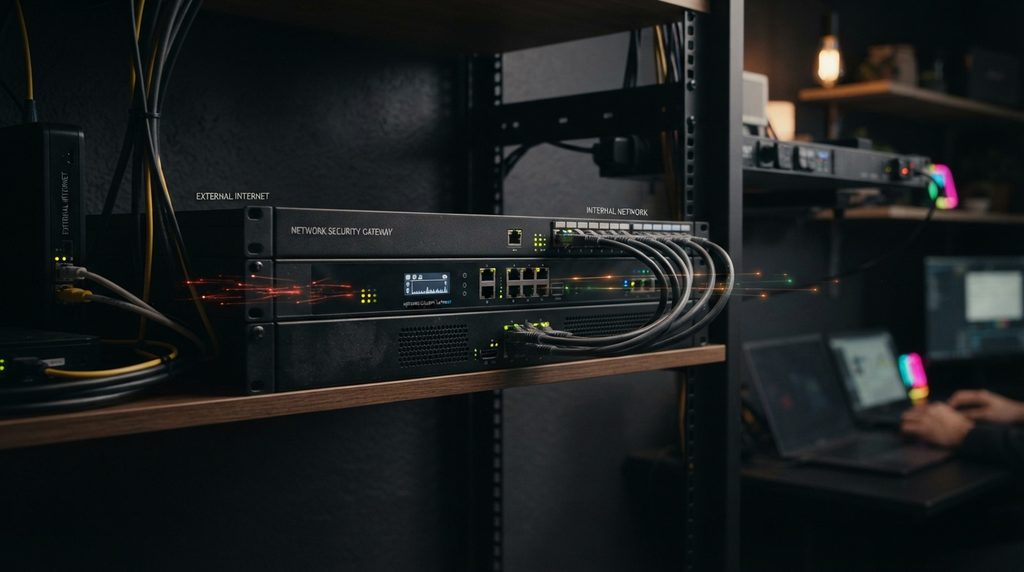
What Is a Firewall and How Does It Work?
A firewall is a security system that monitors and controls network traffic according to a set of rules.
The simplest way to think about a firewall is as a traffic control point. Instead of allowing every network connection to reach a computer or network, the firewall evaluates traffic and determines whether it should be permitted or blocked.
Firewalls can protect individual computers, entire home networks, business networks, servers, and cloud environments.
Depending on the type of firewall, it can examine information such as the source and destination of network traffic, the communication protocol being used, the application generating the traffic, and the state of an existing connection.
The goal is not to stop all network communication. A useful firewall allows legitimate traffic to pass while restricting connections that violate its security rules.
How Does a Firewall Work?
When network traffic reaches a firewall, the firewall evaluates it against a collection of rules.
For example, a firewall might allow a computer to establish a connection to a trusted web service while blocking an unsolicited inbound connection from an unknown source.
The exact process depends on the type of firewall, but common factors include:
- IP addresses: Where the traffic comes from and where it is going.
- Ports: Which network service the traffic is attempting to reach.
- Protocols: Whether the connection uses TCP, UDP, or another protocol.
- Connection state: Whether the traffic belongs to an established connection.
- Applications: Some advanced firewalls can identify which application is generating or receiving traffic.
- Security rules: Administrators can define which types of traffic should be allowed or denied.
This filtering happens extremely quickly, usually without the user noticing.
Inbound and Outbound Traffic
Firewalls can control both incoming and outgoing network traffic.
Inbound traffic comes from another device or network toward your computer or internal network. Blocking unnecessary inbound connections can reduce the number of services exposed to potential attackers.
Outbound traffic leaves your computer or network. Monitoring outbound connections can help identify suspicious applications attempting to communicate with external servers.
Controlling both directions can provide stronger protection than focusing only on incoming connections.
What Does a Firewall Protect Against?
A properly configured firewall can reduce exposure to several types of network-based threats.
For example, it can help block unauthorized connection attempts against exposed services. It can also restrict unnecessary network ports and prevent certain types of unwanted traffic from reaching internal systems.
In an organization, firewalls can be used to separate different parts of a network. A company might restrict communication between employee devices, servers, guest networks, and sensitive systems so that a compromise in one area does not automatically provide unrestricted access to another.
This approach is known as network segmentation, and it is an important part of modern security architecture.
Firewalls can therefore provide an important layer of defense, but they are not designed to solve every cybersecurity problem.

Software vs. Hardware Firewalls
Firewalls generally fall into two broad categories: software firewalls and hardware or network firewalls.
Software Firewalls
A software firewall runs directly on a computer or another endpoint device.
Windows, macOS, and many Linux distributions include built-in firewall capabilities. Security software can also provide additional firewall functionality.
Because a software firewall runs on the device itself, it can make decisions based on local information, including which applications are attempting to communicate over the network.
For home users, the firewall built into a modern operating system is an important security feature and should generally remain enabled.
Hardware and Network Firewalls
A network firewall operates between networks rather than protecting only one individual computer.
Home routers commonly include basic firewall functionality that helps protect devices on the local network from unsolicited internet traffic.
Businesses often use dedicated network firewalls with considerably more advanced capabilities. These systems can manage traffic across large networks, enforce security policies, create network segments, establish VPN connections, and provide monitoring and logging.
Modern enterprise firewalls can also include features designed to detect and prevent more sophisticated threats.
What Is a Next-Generation Firewall?
Traditional firewalls primarily focused on network addresses, ports, and protocols. Modern environments are considerably more complicated, so many organizations use next-generation firewalls (NGFWs).
A next-generation firewall can combine traditional traffic filtering with additional security capabilities.
Depending on the product, these may include:
- Application identification and control
- Intrusion prevention
- Advanced traffic inspection
- User and device awareness
- Threat intelligence
- Malware detection
- Detailed logging and monitoring
- Web and content filtering
This allows security teams to make decisions based on more than just an IP address or network port.
For example, an organization may want to restrict a particular application regardless of which port it uses. An advanced firewall may be able to identify the application and enforce the appropriate policy.
Firewall vs. Antivirus: What’s the Difference?
Firewalls and antivirus software protect against different types of threats.
A firewall primarily controls network traffic. It determines which connections are permitted and can prevent unauthorized network communication.
Antivirus and endpoint security software, on the other hand, focuses more heavily on detecting malicious files, programs, and behavior on a device.
They complement each other rather than replace each other.
For example, a firewall might prevent an unauthorized network connection from reaching a computer, while endpoint security software could detect malicious software that has already made its way onto the device.
Using multiple security layers is generally more effective than relying on a single technology.
Can a Firewall Stop Malware?
A firewall can sometimes prevent malware from communicating with external systems or reaching exposed services, but it cannot stop every malware infection.
If a user downloads a malicious file, opens a dangerous attachment, or installs a compromised application, a firewall alone may not be enough to detect or stop the threat.
This is why firewalls should be combined with other security measures such as endpoint protection, software updates, secure authentication, backups, and careful online behavior.
The same principle applies to phishing. A firewall may block certain malicious connections, but it cannot reliably prevent someone from entering their password into a convincing fake website.
Learning how phishing attacks work remains an important part of protecting yourself online.
Can a Firewall Make You Completely Safe?
No.
A firewall is an important security layer, but it should never be treated as complete protection.
Attackers can use methods that do not depend on directly bypassing a firewall. Phishing can trick users into revealing credentials. Malware can arrive through malicious downloads or compromised software. Stolen passwords can allow attackers to access legitimate services without needing to break through a network firewall.
Misconfigured firewalls can also create security problems. A rule that accidentally exposes an unnecessary service may leave a system vulnerable even though a firewall is technically operating.
Good security therefore depends on defense in depth—using multiple layers that complement each other.
Why Firewalls Are Still Important
The growth of cloud computing, remote work, mobile devices, and connected services has changed how networks are protected, but firewalls remain relevant.
Modern firewalls can operate across traditional networks, data centers, cloud environments, and distributed enterprise infrastructure.
They provide visibility and control over network communication, helping organizations enforce security policies and reduce unnecessary exposure.
For home users, a firewall built into the operating system and the firewall capabilities of a properly configured router can provide an important baseline of protection.
The Cybersecurity and Infrastructure Security Agency provides additional guidance on firewalls and network security through its official cybersecurity resources.
For businesses, firewalls can become part of a much broader security architecture involving identity management, endpoint protection, network segmentation, monitoring, intrusion prevention, and zero-trust security.
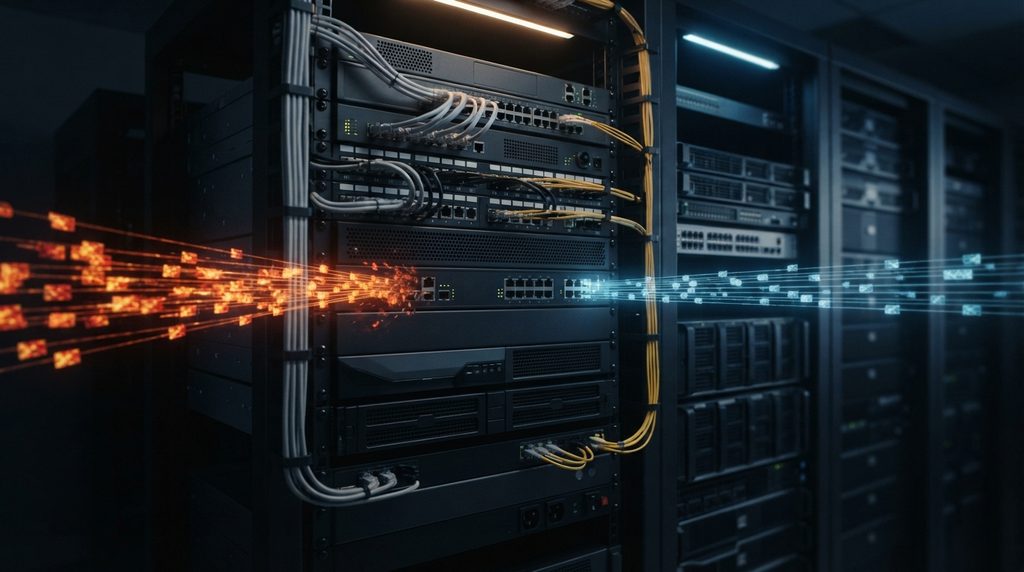
Should You Keep Your Firewall Enabled?
For most users, yes.
If your computer’s built-in firewall is enabled, there is generally no good reason to turn it off simply because a website or application tells you to do so.
Sometimes an application may require a specific network permission to function correctly. When that happens, it is safer to understand what access is being requested and why rather than disabling the entire firewall.
The same principle applies to home routers. Keep the router’s firewall functionality enabled and make sure the router itself receives security updates from the manufacturer.
How to Improve Firewall Security
A firewall works best when it is properly configured and maintained.
For home users:
- Keep the operating system and router firmware updated.
- Leave the built-in firewall enabled.
- Avoid opening unnecessary ports.
- Review applications that request network access.
- Replace default router credentials.
- Use strong authentication for your router administration account.
- Disable remote administration unless you genuinely need it.
- Keep other security protections enabled.
Organizations need a more comprehensive approach. Firewall rules should be reviewed regularly, unnecessary services should be removed, network activity should be monitored, and sensitive systems should be separated from less trusted environments.
Security teams should also maintain logs and investigate unusual network behavior.
The Bottom Line
A firewall is one of the foundational layers of computer and network security. It monitors network traffic and applies security rules to determine which connections should be allowed and which should be blocked.
It can reduce exposure to unauthorized network access and help organizations control communication between different systems. Modern firewalls can go much further, offering application controls, intrusion prevention, monitoring, and other advanced security capabilities.
But a firewall is not a complete cybersecurity solution.
Strong security comes from combining network protection with secure passwords, two-factor authentication, software updates, endpoint protection, backups, phishing awareness, and sensible security practices.
Think of a firewall as one of the gates protecting your digital environment. It can control who and what gets through—but keeping your accounts, devices, and data secure requires more than one gate.
Stay Ahead With Future Tech Hub
Technology moves fast. We keep you ahead with the latest AI, technology, cybersecurity, software, and gadget news.