
Secure online accounts are essential for protecting your personal information, private conversations, financial details, and digital identity. Email accounts, social media profiles, cloud storage, shopping services, and banking platforms can all contain sensitive information that attackers may try to steal or exploit.
The good news is that improving your account security does not require advanced technical knowledge. A few simple security habits can significantly reduce the chances of someone taking control of your accounts or using stolen credentials against you.
The good news is that protecting your accounts does not require advanced technical knowledge. A few security habits can significantly reduce the chances of someone taking control of your accounts or using stolen credentials against you.
Here are 10 essential steps everyone should take to improve the security of their online accounts.
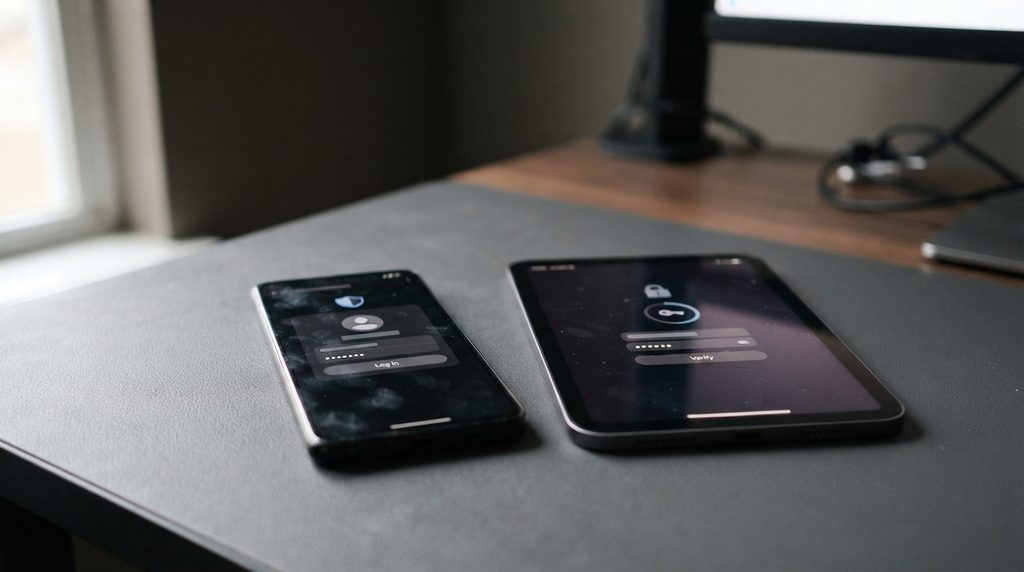
1. Use a Different Password for Every Important Account
One of the biggest mistakes people make is reusing the same password across multiple websites.
If a company suffers a data breach and your password is exposed, attackers may try the same credentials on email, social media, shopping, and other services. This technique, known as credential stuffing, can turn one compromised account into several.
Use a unique password for every important account, especially your email, banking, cloud storage, and social media accounts.
Long passwords are generally more resistant to guessing attacks. A memorable passphrase made from several unrelated words can be easier to manage than a short, complicated password.
2. Use a Password Manager
Remembering dozens of unique passwords is difficult, which is why a password manager can be extremely useful.
A password manager can generate strong passwords, store them securely, and automatically fill them when you sign in. Instead of remembering every password, you only need to protect your password manager with a strong master password.
Choose a reputable password manager and protect the account with multi-factor authentication when available.
A password manager also makes it much easier to stop reusing passwords across different services.
For additional guidance on creating and managing stronger authentication credentials, see the National Institute of Standards and Technology’s Digital Identity Guidelines.

3. Turn On Two-Factor Authentication
A password alone should not be the only thing protecting an important account.
Two-factor authentication (2FA) adds another verification step when you sign in. Depending on the service, this might involve an authentication app, security key, passkey, or another verification method.
Even if an attacker obtains your password, an additional authentication factor can make it significantly harder for them to access the account.
For important accounts, enable 2FA whenever it is available. Your email account should be one of the first accounts you protect because attackers who gain access to email can often use password-reset systems to compromise other services.
4. Use Passkeys When They Are Available
Passkeys are becoming an important alternative to traditional passwords.
Instead of entering a password, a passkey uses cryptographic credentials stored on a compatible device or password manager. Authentication can often be completed using a fingerprint, face recognition, or device PIN.
One major advantage is that passkeys are designed to resist phishing because there is no traditional password for an attacker to steal through a fake login page.
As more websites and services support passkeys, consider using them for your most important accounts.
5. Keep Your Recovery Information Up to Date
Account recovery settings are easy to ignore until you suddenly need them.
Make sure your recovery email address and phone number are current and accessible. Some services also provide backup codes that can be used if you lose access to your normal authentication method.
Store backup codes somewhere secure rather than leaving them in an easily accessible screenshot or unprotected document.
Recovery information should also be protected carefully. An attacker who gains access to your recovery channels may be able to take over an account even without knowing your original password.

6. Learn to Recognize Phishing
Even the strongest password cannot completely protect you from being tricked into giving an attacker access.
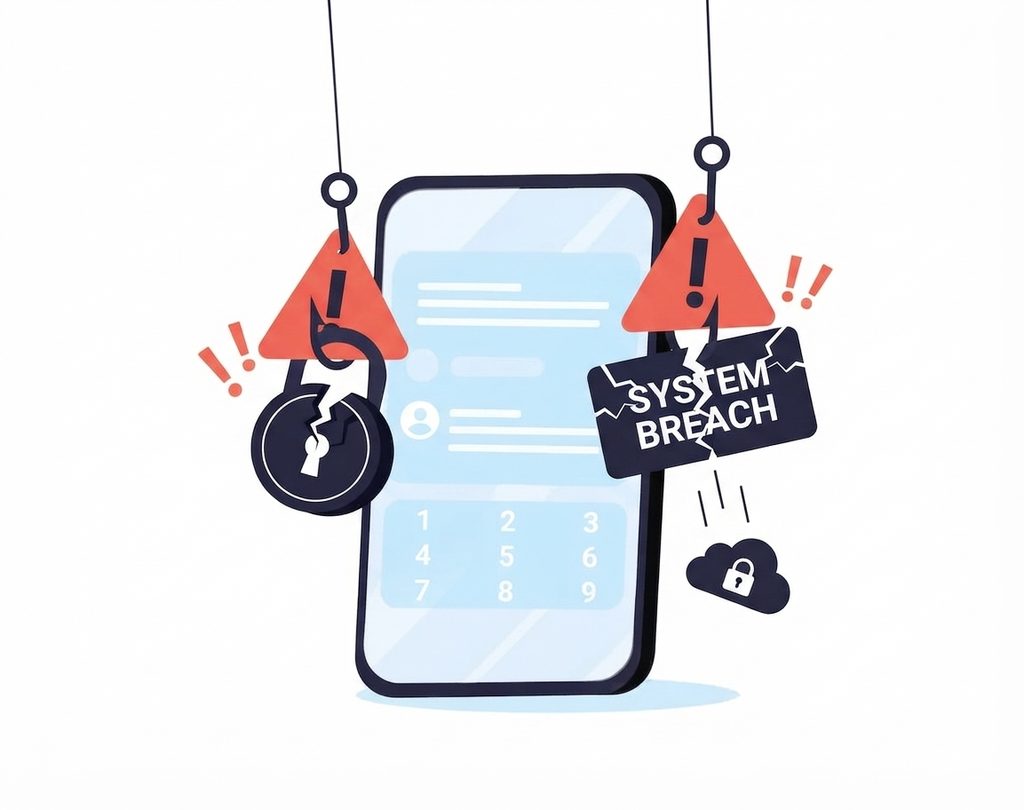
Phishing attacks use fake emails, messages, websites, or login pages to convince people to reveal passwords, authentication codes, payment information, or other sensitive data.
Be particularly cautious when a message creates a sense of urgency. Requests such as “your account will be deleted today” or “verify your payment immediately” are common tactics used to pressure people into acting without checking the request.
Before entering credentials, check the website address carefully and consider opening the service directly through your normal app or browser bookmark instead of clicking a suspicious link.
Understanding phishing attacks is one of the most valuable skills you can develop for protecting your online accounts.
7. Keep Your Devices and Apps Updated
Account security also depends on the devices you use to access your accounts.
Operating system and application updates frequently contain security fixes for vulnerabilities that could otherwise be exploited by attackers. This applies to computers, smartphones, tablets, web browsers, and other connected devices.
Enable automatic updates whenever practical and restart devices when an update requires it.
Keeping your browser and operating system current also reduces the risk that attackers can exploit known vulnerabilities to steal information or interfere with your sessions.
8. Review Where You Are Signed In
Many online services allow you to see devices and locations associated with your account.
Check these settings periodically. If you see an unfamiliar device or session, investigate it and sign out of sessions you no longer recognize or need.
This is particularly useful if you have used public computers, shared devices, old smartphones, or computers that you no longer own.
Some services also provide security alerts when a new device signs into your account. Keep these notifications enabled so that suspicious activity does not go unnoticed.
9. Be Careful on Public and Untrusted Networks
Public Wi-Fi can be convenient, but you should be cautious when using unfamiliar networks.
Avoid accessing sensitive services on networks that appear suspicious or require unusual login pages. If you must use an untrusted network, make sure websites use HTTPS and keep your device’s security features enabled.
A VPN can also provide additional privacy by encrypting network traffic between your device and the VPN server. However, a VPN does not make you anonymous or protect you from phishing, malware, stolen passwords, or compromised accounts.
For a deeper explanation, see What Is a VPN? How VPNs Work and When to Use One.
10. Secure Your Email Account First
Your email account deserves special attention because it is often the gateway to your other online accounts.
If an attacker gains access to your email, they may be able to reset passwords for other services, read private messages, access documents, or discover information that can be used in further attacks.
Use a unique password, enable strong multi-factor authentication, review active sessions, and keep recovery information up to date.
If you suspect that your email account has already been compromised, act quickly. Change the password, revoke unfamiliar sessions, check recovery settings, and review recent account activity.
Don’t Ignore Security Alerts
Security notifications are sometimes treated as annoying messages, but they can provide an early warning that someone is attempting to access your account.
Pay attention to alerts about new sign-ins, password changes, recovery attempts, or changes to authentication settings. If you receive an unexpected security notification, do not automatically click links in the message. Instead, open the service directly through its official website or application and check your account.
What to Do If an Account Is Compromised
If you believe an account has been hacked, speed matters.
Start by changing the password from a trusted device. If the same password was used elsewhere, change it on those accounts as well. Sign out of unfamiliar sessions and check whether the attacker changed your recovery email address, phone number, authentication methods, or other security settings.
You should also review recent activity for suspicious messages, purchases, password changes, or other actions you did not perform.
If you can no longer access the account, use the service’s official account-recovery process. Avoid people or websites claiming they can recover your account for a fee, as these can themselves be scams.
Strong Account Security Is About Layers
There is no single setting that makes an online account completely secure. Effective account protection comes from combining several layers of security.
A unique password prevents a breach at one service from automatically compromising another. A password manager makes unique passwords practical. Multi-factor authentication adds another barrier, while passkeys can reduce exposure to phishing. Software updates, security alerts, careful browsing, and good recovery practices provide additional protection.
The most important step is simply to start.
Secure your email account first, then move through your other important accounts. A small amount of time spent improving your security today can prevent a much bigger problem later.
Stay Ahead With Future Tech Hub
Technology moves fast. We keep you ahead with the latest AI, technology, cybersecurity, software, and gadget news.