
Software has changed dramatically over the past two decades. Instead of buying a program once, installing it on a computer, and using the same version for years, people can now access many applications directly through the internet.
This model is known as Software as a Service, or SaaS.
SaaS powers many of the applications people use every day, from email and online collaboration platforms to accounting systems, project management tools, customer relationship management software, and AI applications.
Understanding SaaS is useful not only for businesses but also for everyday users because the model affects how software is purchased, updated, secured, and accessed.

What Is SaaS?
SaaS stands for Software as a Service. It is a software delivery model in which an application is hosted by a provider and accessed by users over the internet.
Instead of installing and maintaining the software entirely on your own computer or company servers, you typically access it through a web browser or dedicated application.
The SaaS provider is generally responsible for maintaining the underlying infrastructure, deploying updates, managing the service, and maintaining the systems required to keep the application available.
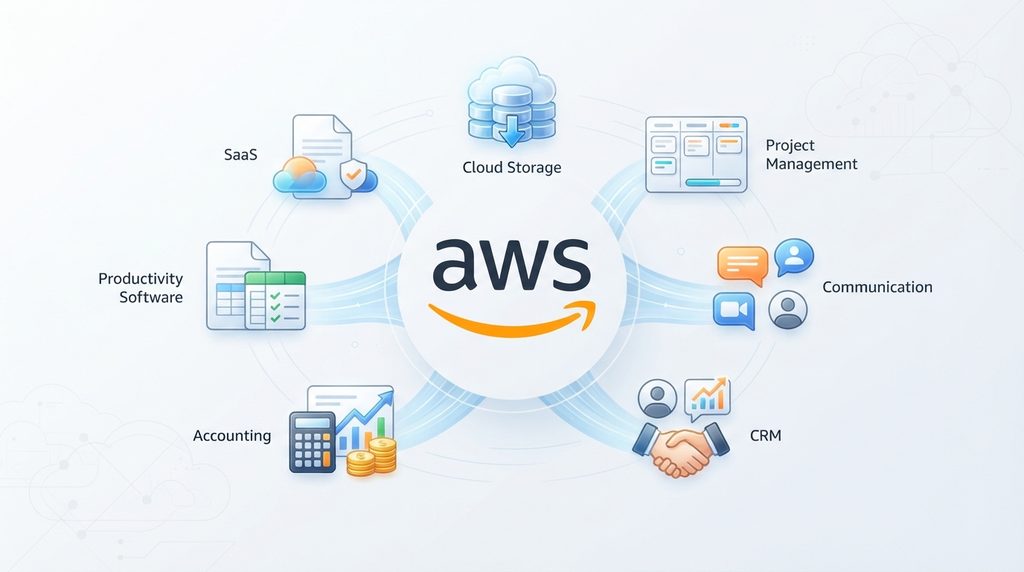
Examples of SaaS products include online office applications, cloud-based storage services, project management platforms, accounting software, communication tools, and customer relationship management systems.
The important difference is that the software is provided as an ongoing service rather than simply being sold as a one-time product.
How SaaS Works
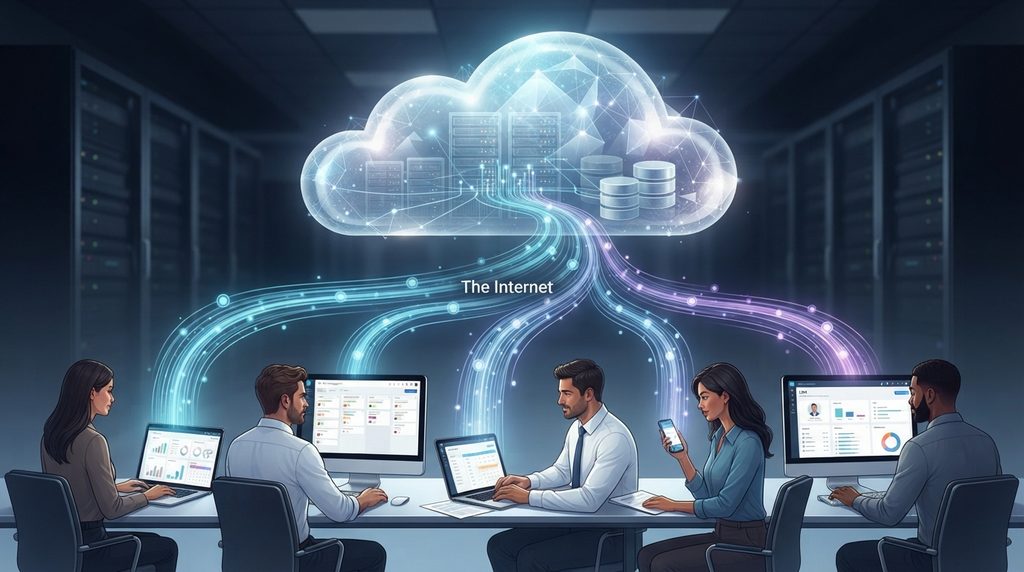
A SaaS application normally runs on infrastructure controlled by the software provider. Users connect to that application through the internet using a browser or app.
For example, when someone uses an online project management platform, their computer does not necessarily need to contain the entire application and its supporting infrastructure. Much of the processing, storage, and software management happens on the provider’s systems.
The provider handles tasks such as:
- Hosting the application
- Maintaining servers and infrastructure
- Deploying software updates
- Fixing bugs
- Managing availability
- Maintaining databases
- Implementing security controls
- Supporting users
Customers generally create an account and access the service according to the subscription or plan they have selected.
This arrangement allows the provider to maintain a central version of the application while delivering improvements to users over time.
SaaS vs Traditional Software
Traditional software was often purchased with a license and installed directly on a computer. Major upgrades might require purchasing another version, downloading large installation files, or manually updating the application.
SaaS changes this model.
With SaaS, the provider manages much of the software infrastructure and delivers updates through the service. Users generally don’t have to worry about installing every major update themselves.
Another major difference is pricing.
Traditional software has historically included one-time purchases or perpetual licenses, while SaaS commonly uses recurring subscriptions. These can be monthly or annual and may vary depending on features, storage, users, or usage levels.
Neither approach is automatically better. The right choice depends on the needs of the user or organization.
Common Examples of SaaS
SaaS is used across almost every part of modern computing.
Productivity Software
SaaS is used across a wide range of industries, from communication and productivity to customer management and business operations. Popular examples include cloud-based services such as Microsoft 365, Salesforce, Slack, Zoom, and Google Workspace, which allow users to access software and services through the internet without managing the underlying infrastructure themselves. These platforms demonstrate how SaaS applications can provide businesses and individuals with flexible tools that are updated and maintained by the service provider. According to AWS, SaaS applications are hosted by providers and made available to customers through the internet, making the model a major part of modern cloud computing.
Online word processors, spreadsheets, presentation tools, calendars, and note-taking applications are common examples of SaaS.
They allow users to work from different devices without relying entirely on software installed on a single computer.
Communication Platforms
Businesses increasingly use cloud-based communication services for messaging, video meetings, email, and collaboration.
These tools can make it easier for distributed teams to communicate without operating their own communication infrastructure.
Customer Relationship Management
CRM platforms help businesses manage customer information, sales activity, leads, support interactions, and other business processes.
Because the information is hosted centrally, employees can often access the system from different locations and devices.
Project Management
Project management SaaS platforms can provide task management, calendars, team collaboration, reporting, file sharing, and workflow automation.
These services are particularly useful for organizations with employees working across multiple locations.
Accounting and Business Software
Accounting, payroll, invoicing, inventory management, and other business applications are increasingly delivered through SaaS.
Instead of maintaining a dedicated server for every application, companies can subscribe to services that provide the required functionality through the internet.
The Benefits of SaaS
SaaS has become popular because it can simplify software deployment and management.
Easier Access
One of the biggest advantages is accessibility.
A SaaS application can often be accessed from multiple devices as long as the user has an internet connection and appropriate account permissions.
This can be particularly useful for people who work from home, travel frequently, or use multiple computers.
Automatic Updates
Software providers can deploy updates centrally rather than requiring every customer to manually install a new version.
This can make it easier to deliver new features, bug fixes, and security improvements.
Lower Initial Costs
SaaS can reduce the upfront cost of acquiring certain types of software.
Instead of purchasing expensive infrastructure and licenses immediately, a business may be able to start with a subscription.
However, subscription costs can accumulate over time, so the long-term cost should always be considered.
Easier Scalability
Many SaaS platforms allow organizations to add or remove users as their needs change.
A small business might begin with a handful of accounts and later expand its subscription as the company grows.
Reduced Infrastructure Management
Organizations don’t necessarily need to maintain the physical infrastructure required to operate the application themselves.
This can reduce the amount of technical administration required for certain workloads.
The Disadvantages and Risks of SaaS
SaaS is not without drawbacks.
Dependence on Internet Access
Many SaaS applications depend heavily on internet connectivity.
If the connection is unavailable or unreliable, access to the application may be limited, depending on whether the service provides offline functionality.
Recurring Costs
Subscriptions can be convenient, but they also create ongoing expenses.
A service that seems inexpensive each month can become a significant cost over several years, particularly when a company uses many different SaaS products.
Businesses should regularly review their subscriptions to avoid paying for services that are no longer necessary.
Vendor Dependence
Using a SaaS platform means relying on another company to provide the service.
Changes to pricing, features, policies, availability, or product direction can affect customers.
For businesses, this makes vendor selection especially important.
Data Security and Privacy
SaaS platforms can store significant amounts of sensitive information, depending on the service.
A company might store customer information, financial records, documents, employee data, or business communications in cloud applications.
That makes security an important consideration when selecting a SaaS provider.
Businesses should evaluate authentication controls, encryption, access management, data handling practices, backup policies, compliance requirements, and security history before choosing a service.
Strong account protection is also important because compromised credentials can provide attackers with access to cloud applications and the information stored within them.
SaaS and Cybersecurity
The growth of SaaS has changed the cybersecurity landscape.
Traditional security models often focused heavily on protecting devices and company networks. Modern organizations also need to protect identities, cloud applications, APIs, data, and user access.
This is particularly important because employees may use dozens of cloud services across their daily work.
Strong passwords, multi-factor authentication, access controls, security monitoring, and regular software updates can reduce the risk of unauthorized access.
Organizations should also understand which SaaS applications employees are using. Unapproved applications can create security and compliance risks when sensitive company information is uploaded without proper oversight.
Security therefore needs to be considered before adopting a SaaS product rather than after the service has already become part of the organization’s workflow.
SaaS and Artificial Intelligence
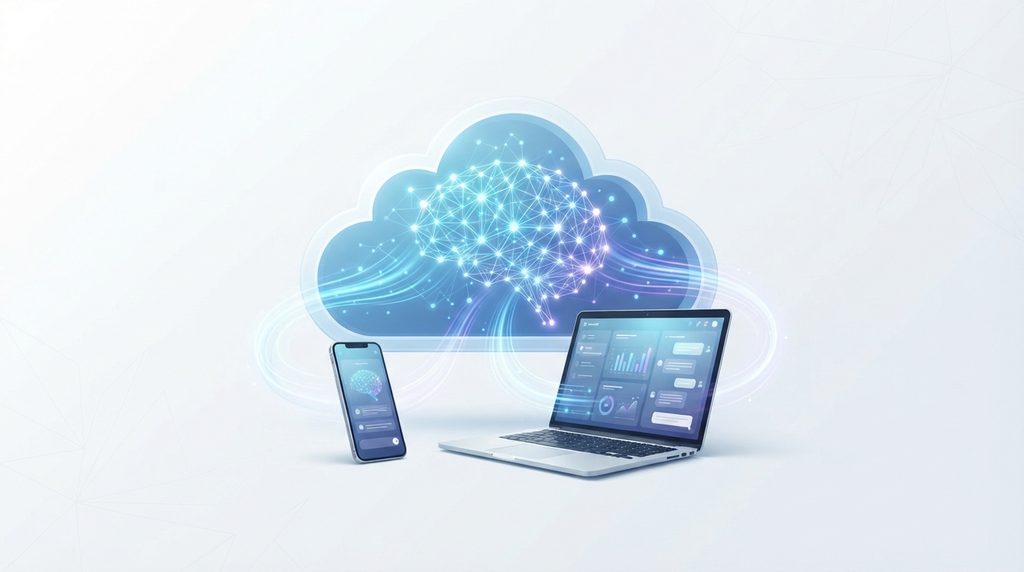
Artificial intelligence is becoming an increasingly important part of SaaS.
As AI becomes increasingly integrated into SaaS platforms, security is becoming an important consideration for businesses adopting these tools. AI-powered applications can process sensitive business information, interact with company systems, and automate important workflows, creating new opportunities as well as new security risks. OpenAI has also warned enterprises about the need to strengthen their defenses as AI adoption accelerates, highlighting the growing importance of AI security when deploying AI-powered software and cloud services.
Many modern software platforms now include AI-powered features for writing, summarizing information, analyzing data, automating repetitive tasks, generating content, assisting with customer support, and improving business workflows.
This means SaaS applications are evolving from simple online versions of traditional software into intelligent platforms capable of performing increasingly complex tasks.
At the same time, AI introduces new questions around privacy, data protection, accuracy, and security.
Businesses should understand what happens to information submitted to AI-powered SaaS applications and whether that data may be stored or processed by third-party systems.
SaaS for Small Businesses
SaaS can be particularly useful for small businesses that don’t have large IT departments.
Instead of building and maintaining complex infrastructure internally, a small company can subscribe to services for email, accounting, customer management, communication, file storage, marketing, and project management.
This allows smaller organizations to access sophisticated software without necessarily having to build everything themselves.
However, using too many SaaS products can create another problem: complexity.
A business may eventually have dozens of subscriptions, separate user accounts, different security policies, and disconnected data across multiple platforms.
Choosing software based on actual business requirements is therefore more important than simply subscribing to every tool that offers a useful feature.
Is SaaS the Future of Software?
SaaS has already become a major part of the software industry, and its influence is likely to continue.
Cloud infrastructure, remote work, automation, artificial intelligence, and increasingly connected business systems are all contributing to the growth of software delivered through the internet.
However, traditional software is not disappearing completely.
Some organizations still need software that can operate locally because of security requirements, performance needs, regulatory restrictions, unreliable connectivity, specialized hardware, or other technical considerations.
The future is therefore likely to include a combination of SaaS, locally installed software, cloud infrastructure, and hybrid environments.
What to Consider Before Choosing a SaaS Product
Choosing a SaaS platform should involve more than comparing monthly prices.
Before subscribing, consider:
- Features: Does the software actually solve the problem you need to address?
- Security: Does the provider offer strong authentication and appropriate security controls?
- Privacy: What happens to your data?
- Reliability: Does the provider have a strong record of service availability?
- Pricing: What will the service cost over the long term?
- Scalability: Can the platform grow with your needs?
- Integrations: Can it work with the other software you already use?
- Data portability: Can you export your information if you decide to leave?
- Support: What kind of customer support is available?
- Account management: Can administrators control users and permissions effectively?
These factors can make a much bigger difference than a low introductory price.
SaaS Has Changed the Way We Use Software
Software as a Service has fundamentally changed the relationship between users and software.
Applications no longer have to be installed and maintained entirely on individual computers. Instead, users can access increasingly sophisticated tools through the internet while providers handle much of the infrastructure and maintenance behind them.
The model offers major advantages, including accessibility, automatic updates, scalability, and reduced infrastructure requirements. It also introduces challenges involving recurring costs, vendor dependence, privacy, data security, and internet connectivity.
As cloud computing and artificial intelligence continue to evolve, SaaS is likely to remain one of the most important models for delivering software to individuals and businesses.
For users, the key is not simply choosing cloud software because it is popular. The better approach is to evaluate what the software does, how it handles data, how securely it operates, and whether its long-term value justifies the cost.
Stay Ahead With Future Tech Hub
Technology moves fast. We keep you ahead with the latest AI, technology, cybersecurity, software, and gadget news.